
Version 1.0.0 · Free to start
Pavilion Coach
Run your cricket academy from one app.
Pavilion Coach runs the day to day of a cricket academy: players and age groups, sessions and attendance, nets notes, match stats, fees and progress reports. AI reads your old paper forms and score cards, drafts training plans and builds a plan for match day, and the coach checks everything before it is saved.
- Nets notes
- Match Monitor
- Playing 11
- AI match plan
- Fees & WhatsApp reminders
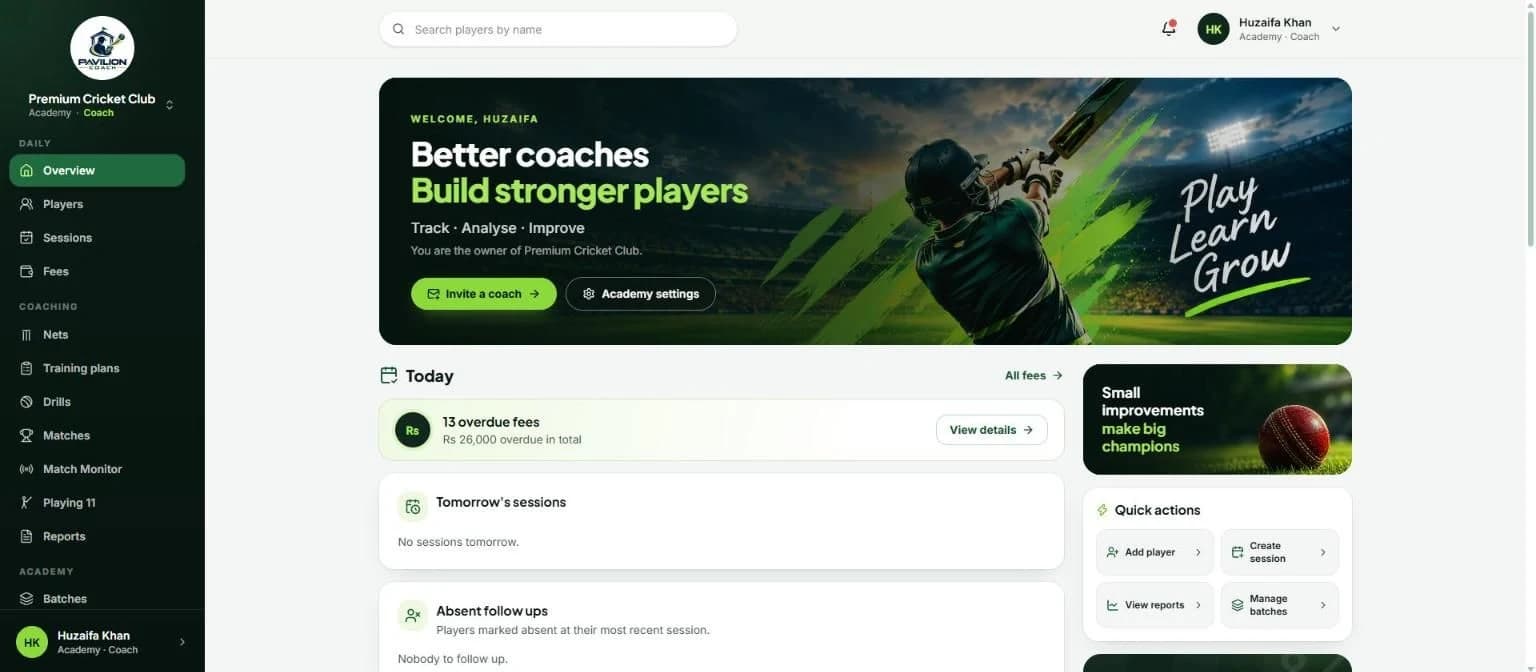
Nets notes in under 30 seconds
Pick a player, choose batting or bowling, and tap what went well and what needs work. Add a comment and you're done, right there in the nets.
- Ready made tags for batting and bowling, from stance and footwork to line, length and variations.
- Watch a batter and a bowler together and save both in one go.
- Each player's page shows the tags that keep coming back over the weeks.
- Add your own tags for the way your academy coaches.
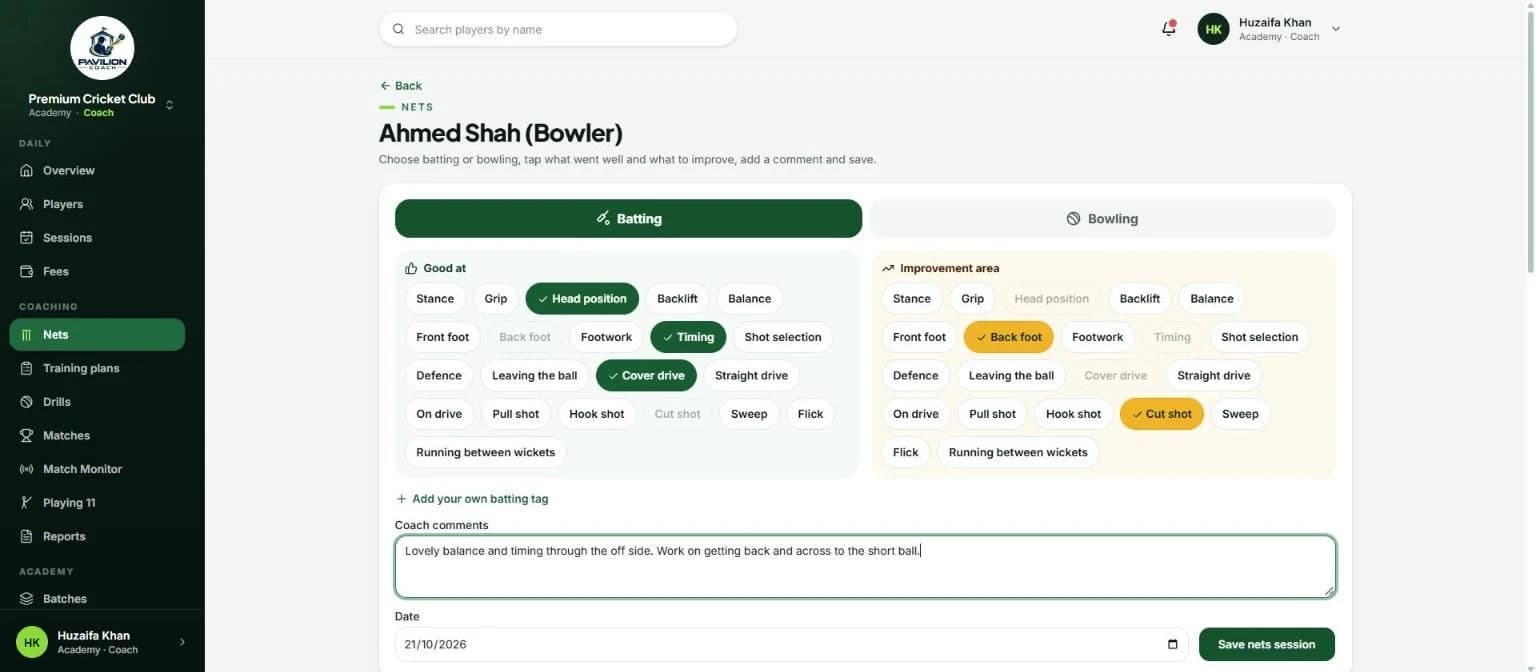
Before, during and after every match
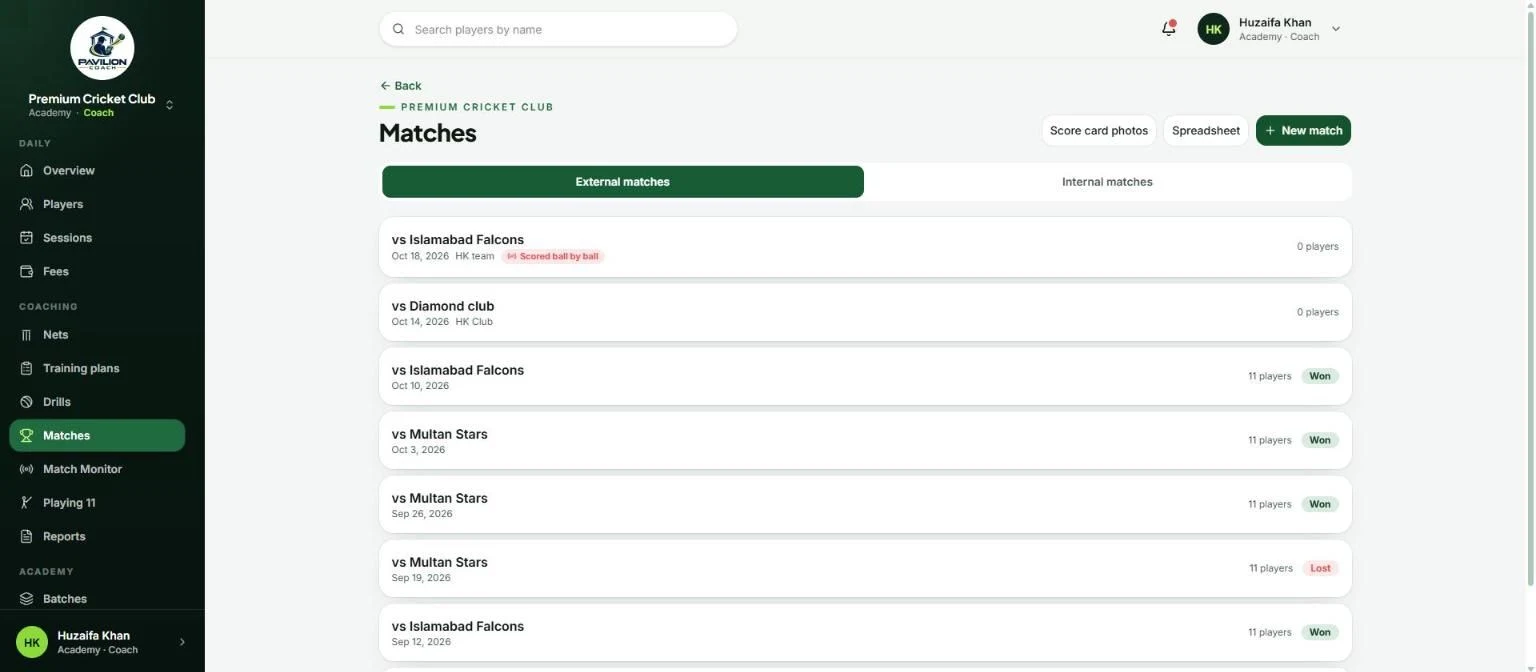
Plan the match with AI, follow it ball by ball in Match Monitor, and keep each player's figures for the season, for club fixtures and Team A against Team B.
- An AI match plan suggests the batting order, a bowling plan, a batting plan and what to do at the toss.
- It uses player form, nets notes, the weather forecast and the coach's notes on the pitch.
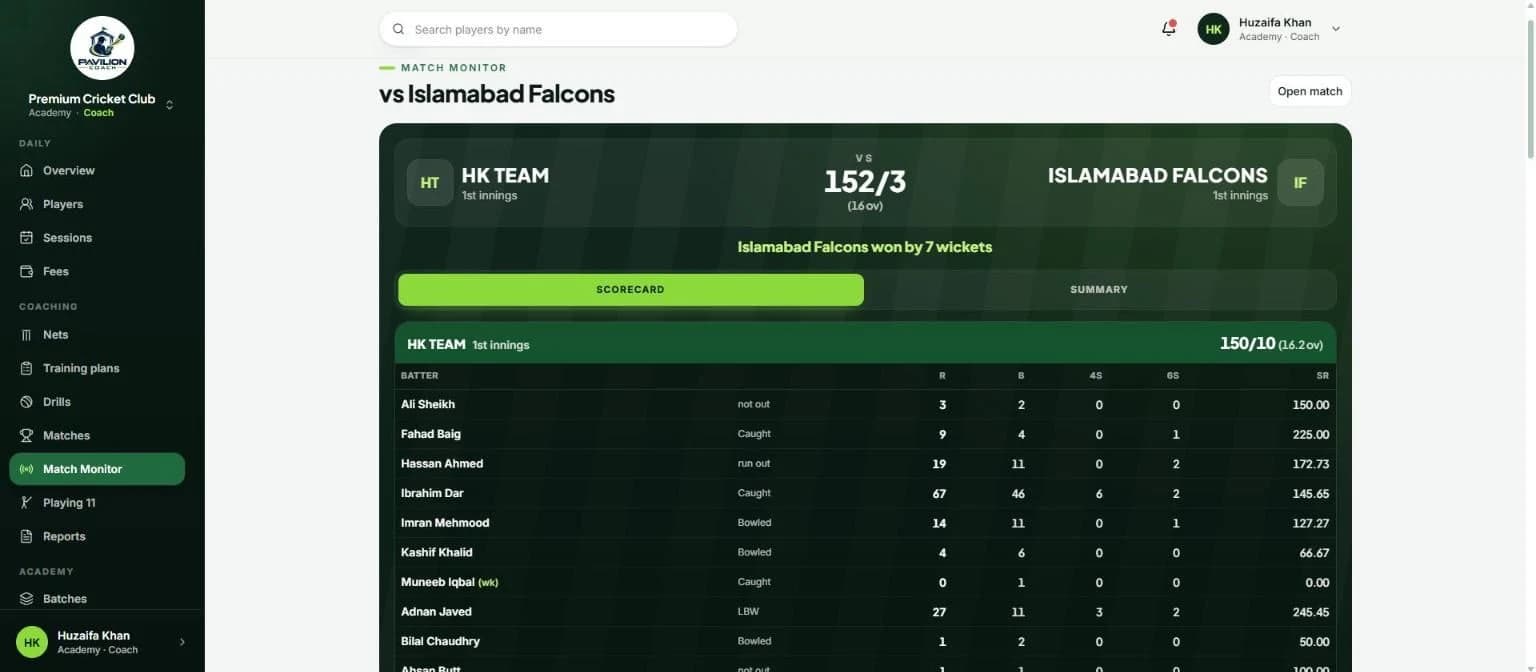
- Match Monitor keeps a live scorecard and quick notes such as caught behind or a dropped catch.
- Score cards from paper are read from a photo, and spreadsheets import in one step.
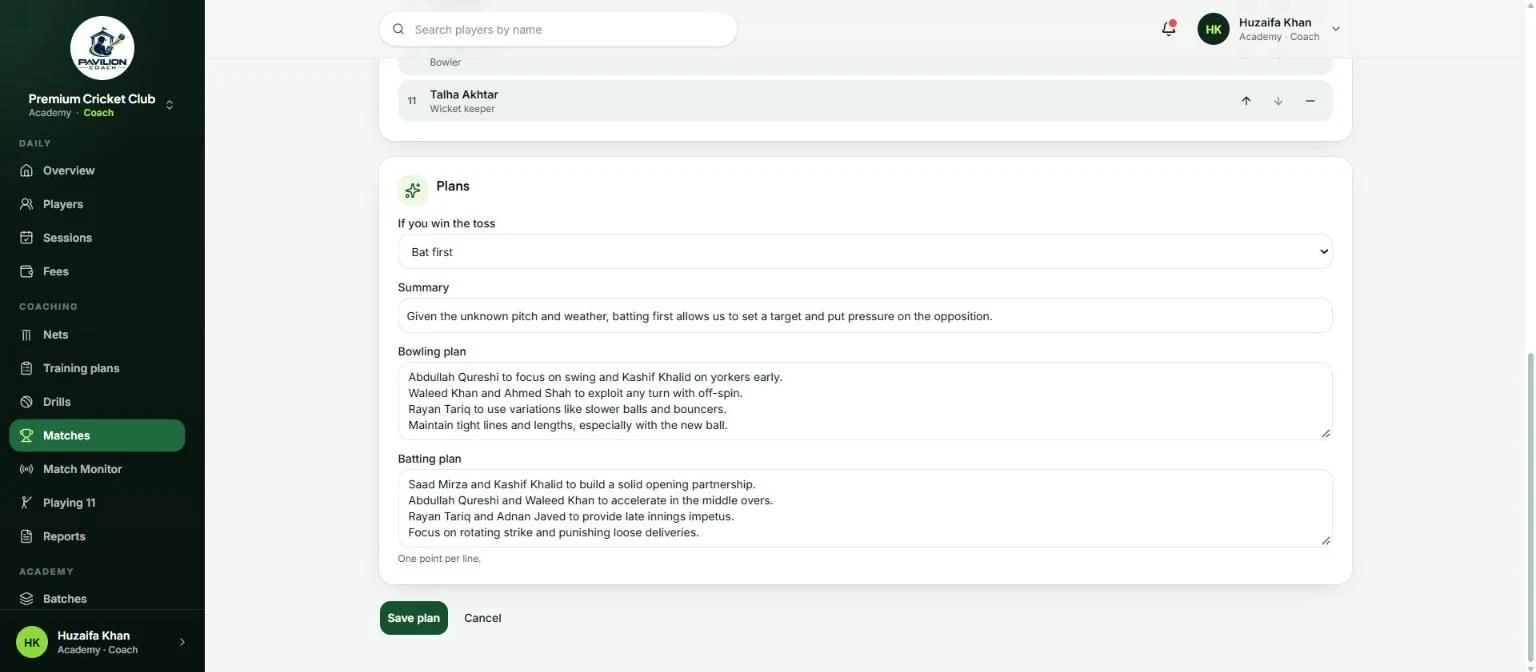
A fair Playing 11, every week
Each week the app ranks the players in every group on the last four weeks of matches, nets and attendance, then suggests a balanced side. The coach swaps players and confirms.
- Set how many batters, all rounders and bowlers you want; a keeper is always picked.
- See each player's batting, bowling, nets and attendance scores, and why they were picked.
- Separate sides for Senior, U19 and U16, with past weeks kept for reference.
- Plain, explainable rules, with no AI involved.
Everything else you need
Everything an academy runs on, built around how cricket coaches actually work.
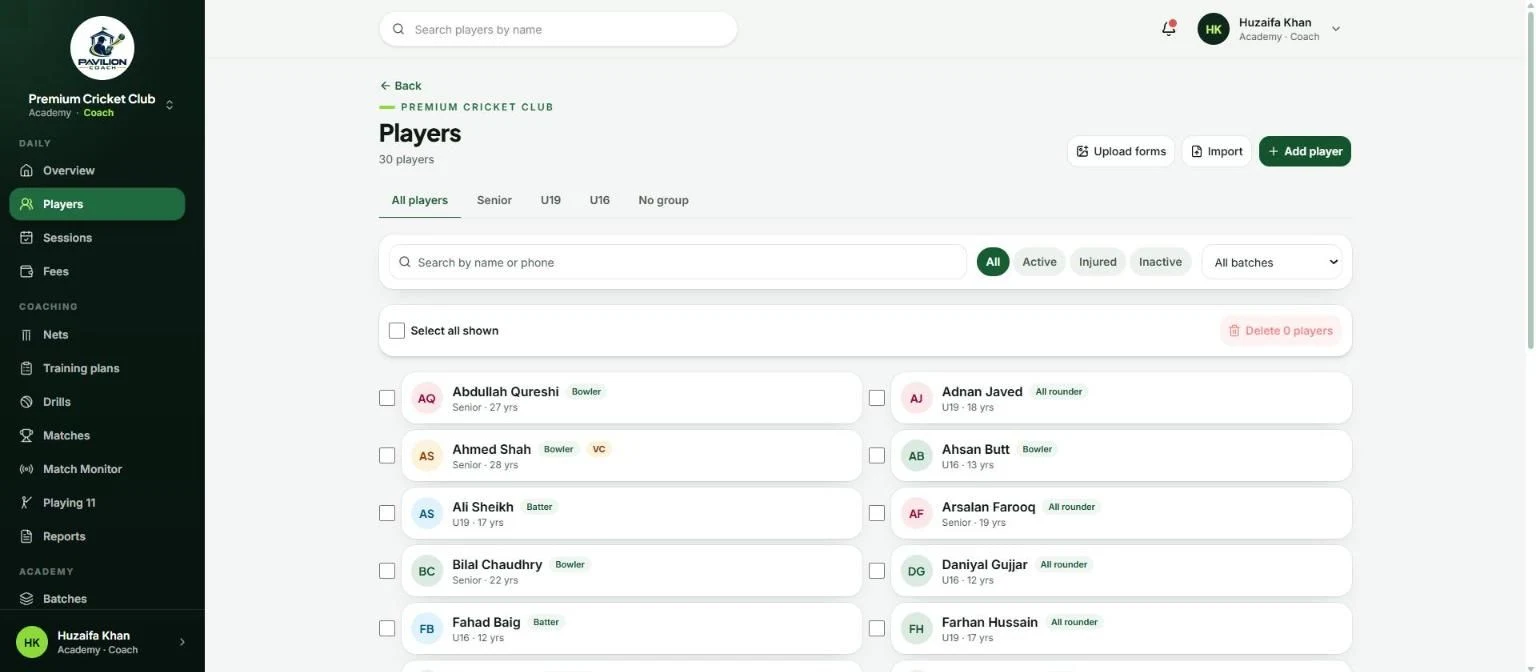
Players and age groups
Profiles with guardians and contact details, sorted into Senior, U19 and U16 groups suggested from each date of birth. Import from a spreadsheet.
Old forms in minutes
Photograph paper admission forms and score cards. The app reads them for you to check, so years of records move in quickly.
Attendance that works offline
Group sessions, weekly schedules and one on one coaching. Mark a session in seconds at the ground; it saves when you're back online.
Assessments and fitness
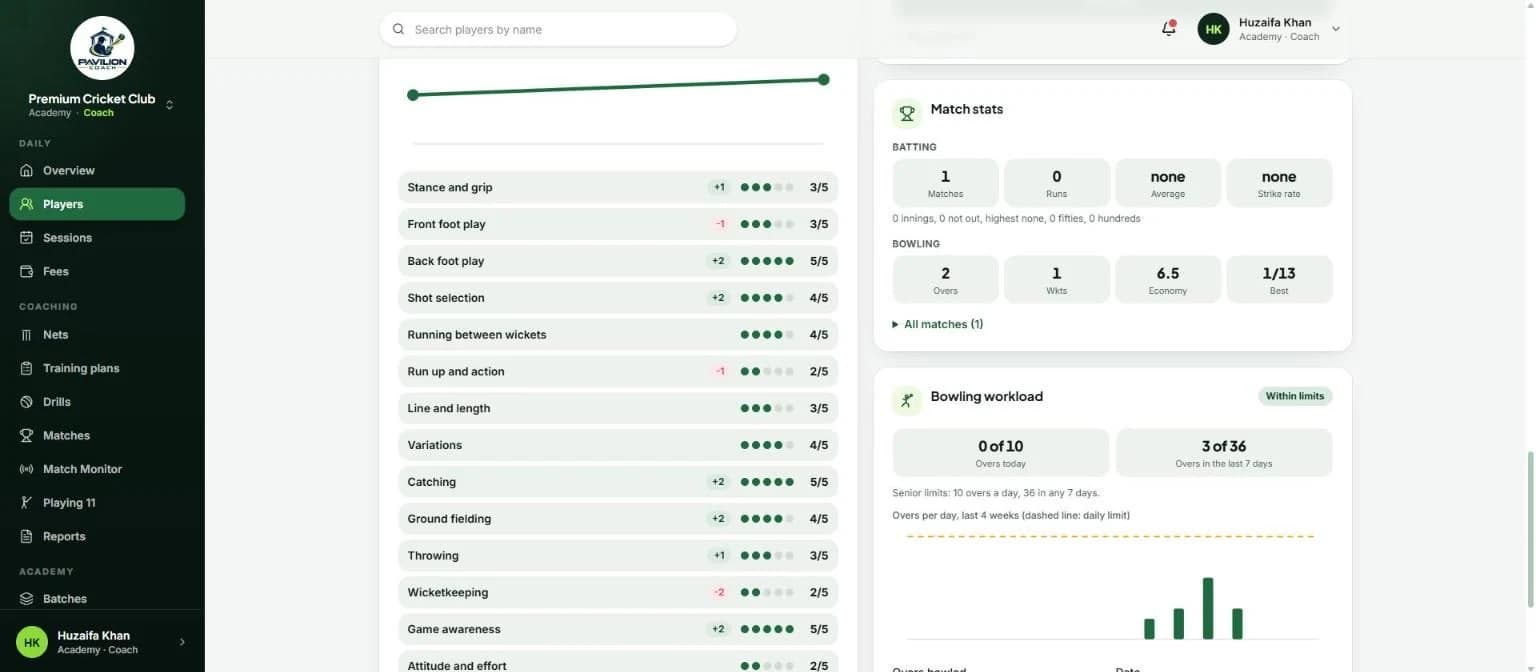
Score 14 skills out of 5 and see the trend, plus beep tests and sprint times with each player's best.
Bowling workload alerts
Log overs bowled and get a flag when a young bowler goes past the safe limits for their age group.
Fees without the chasing
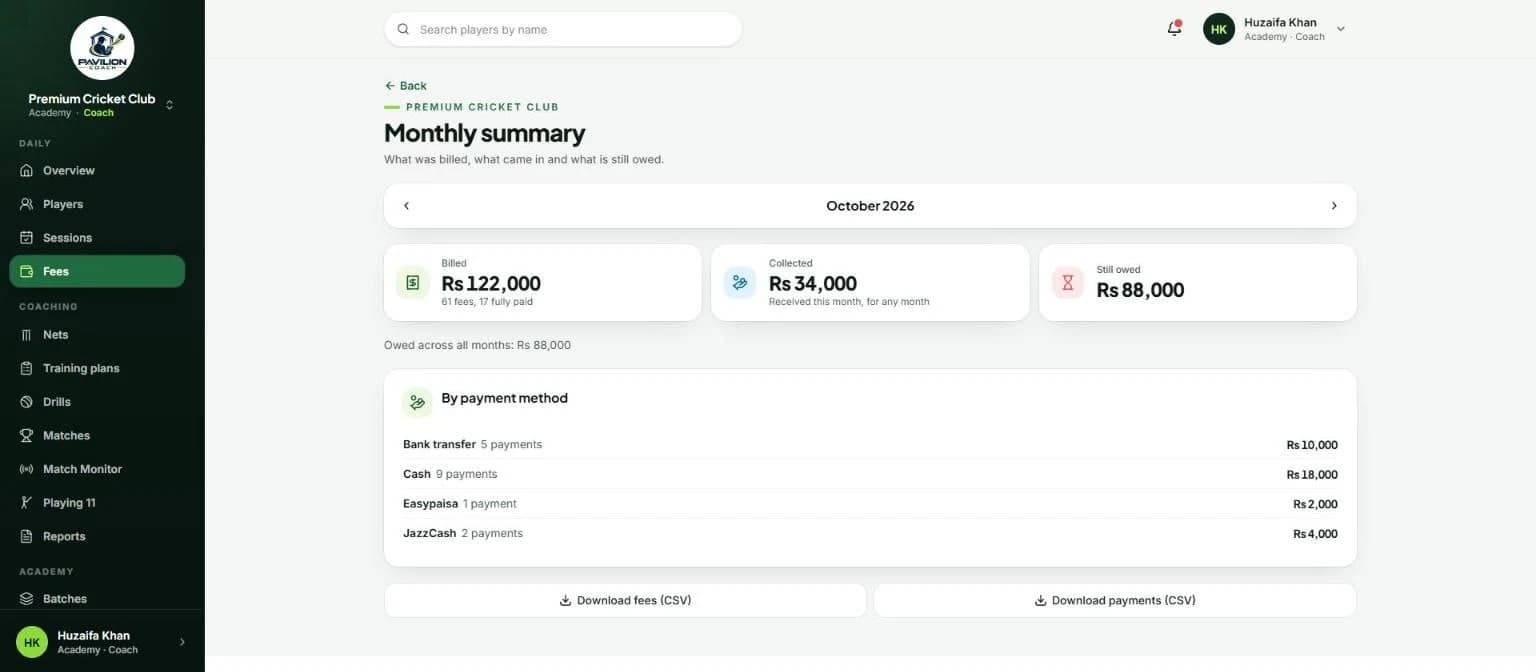
Monthly fees, per session fees and session packages. See who hasn't paid in two taps, take cash, bank transfer, JazzCash or Easypaisa, and export a monthly summary.
Drills and AI training plans
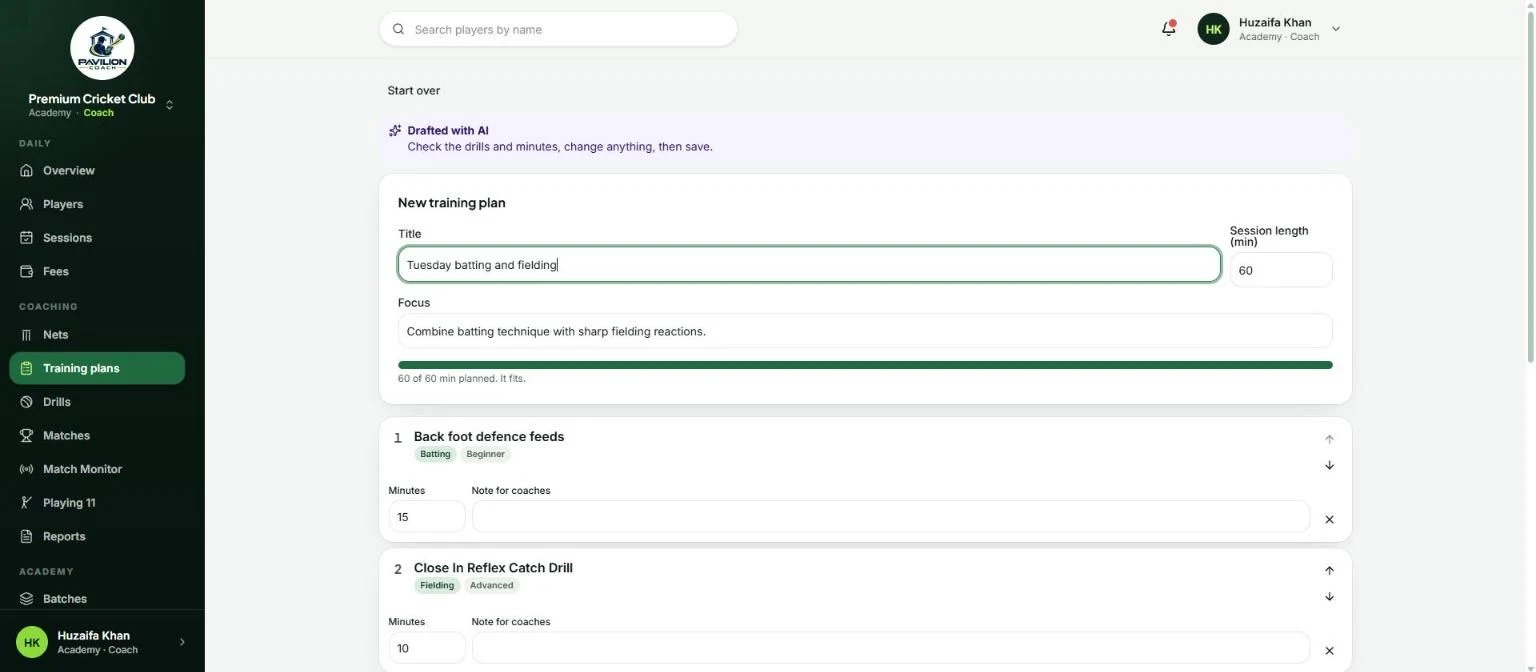
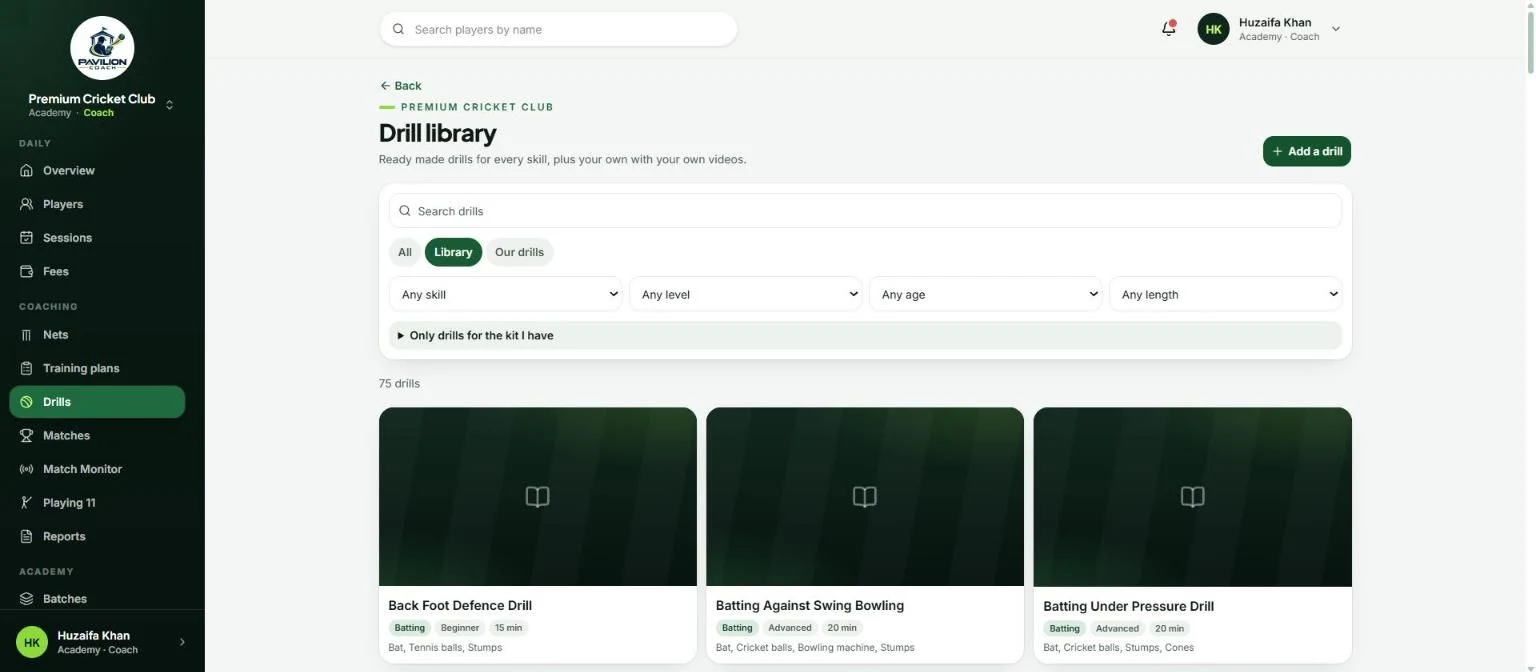
A library of 75+ drills plus your own with videos. Ask for a plan by skill, level and length and get a draft to change before saving.
Progress reports for parents
Monthly reports built from attendance, assessments, matches and fitness, with a short AI comment the coach approves before sharing as a PDF.
WhatsApp in one tap
Session reminders, absent follow-ups, fee reminders and receipts open in WhatsApp on the coach's phone, ready to send. Nothing is sent automatically.
Roles for the whole academy
Owner, assistant coaches, parents and players each see what they should. Parents see their own children, and coach notes stay private.
Academy shop
Sell kit and balls from the academy, with stock that updates as you sell.
Made for the phone
Works on any phone, tablet or laptop, and installs to the home screen like an app. No app store needed.
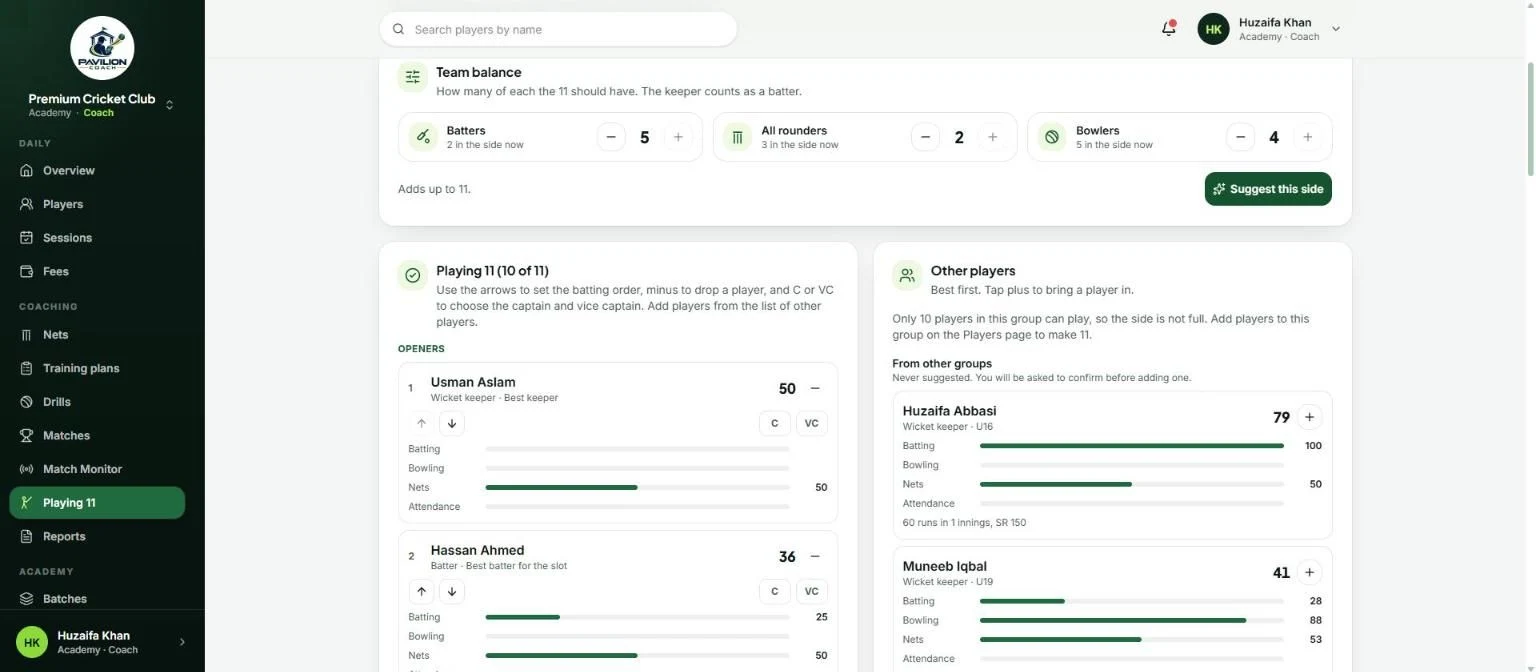
A look inside
Real screens from the app, in a demo academy.
What's on the roadmap
Where Pavilion Coach is heading next. These are planned, not built yet, and the order follows what academies ask for.
Urdu and more languages
The app is ready for translation. Urdu comes first, along with reading handwritten Urdu on old forms.
Online fee payments
Parents pay fees online through local gateways such as JazzCash and Easypaisa, with international payments as the app goes abroad.
Booking for private coaches
Coaches share their free slots and players book one on one sessions themselves.
Video analysis
Record a player's batting or bowling and add notes on the clip, linked to their nets history.
Tournaments and public scorecards
Run academy tournaments with fixtures and tables, and share live scorecards with families.
Android and iOS apps
Native apps on top of today's installable web app, with notifications for sessions and fees.
Plans for every academy and coach
Every plan includes players, sessions, nets, matches, fees and reports. Plans differ in how many players, coaches and AI actions they include.
Free
For academies and clubs
Up to 3 coaches
- 40 active players
- 4 batches
- 500 MB for photos and forms
- 400 AI actions a month
- 200 AI reads of old records
- AI training plans, reports and match plans
Free
For private coaches
1 coach
- 15 active players
- One on one sessions and session packages
- 300 MB for photos and forms
- 400 AI actions a month
- 200 AI reads of old records
- AI training plans, reports and match plans
Custom
For bigger academies
As many coaches as you need
- Higher player, batch and storage limits
- Drill video uploads
- More AI actions
- Set up with you in person
Start free and move up when you need more players, staff, storage or AI. Book a demo and we'll set up your academy with you.
Built for children's data
Most players are minors, so Pavilion Coach collects the minimum and keeps it inside the academy.
Built with
- Platforms
- Web
- Languages
- English
- Version
- 1.0.0
- Price
- Free to start
Frequently asked
Who is Pavilion Coach for?
Cricket academies and clubs that coach batches and squads, and private coaches who mostly run one on one or small group sessions. Both use the same app, set up for how they work.
Can I bring my old records in?
Yes. Photograph paper admission forms and score cards and the app reads them for you to check, or import players and match stats from a spreadsheet. Each academy gets a one time allowance of AI reads for this.
Does it work at the ground without signal?
Attendance is saved on the phone and sent when the connection comes back. The app runs in any browser and can be installed to the home screen.
What does the AI do, and what does it see?
It reads old forms and score cards, drafts training plans, writes a short comment for progress reports and builds match plans. It never sees phone numbers, addresses or full dates of birth, and everything it drafts is checked by a coach. The app still works fully without AI.
Can parents follow their child's progress?
Yes. Parents see their own children's schedule, assessments, fitness, match stats and workload, read only. Coach notes stay private, and monthly progress reports are shared as a PDF.
Does the app send messages to parents?
No. Reminders and follow-ups open in WhatsApp on the coach's own phone with the message filled in, and the coach presses Send.
How do I get started?
Book a demo with Kamxol and we'll set up your academy and walk your coaches through it. Start on the Free plan and move up when you need more.